Entire engineering documentation package in minutes.
We help manufacturers ship products faster and get rid of the paperwork.


The machine is ready. The paperwork isn't.
No documents, no handover, no payment.
- an hour of engineering time
- 55 to 110 €
- to write it by hand
- 3 to 10 weeks
- document types per project
- 164
Drawings in. Documents out.
Your engineer stops writing. Your engineer signs.
By hand3 to 10 weeks
First AngleUnder 1 hour
- 3D modelSTEP
- DrawingDWG
- Parts listExcel
- DatasheetPDF
- Upload
- Generate261 laws, regulations and standards
- Review
- Sign
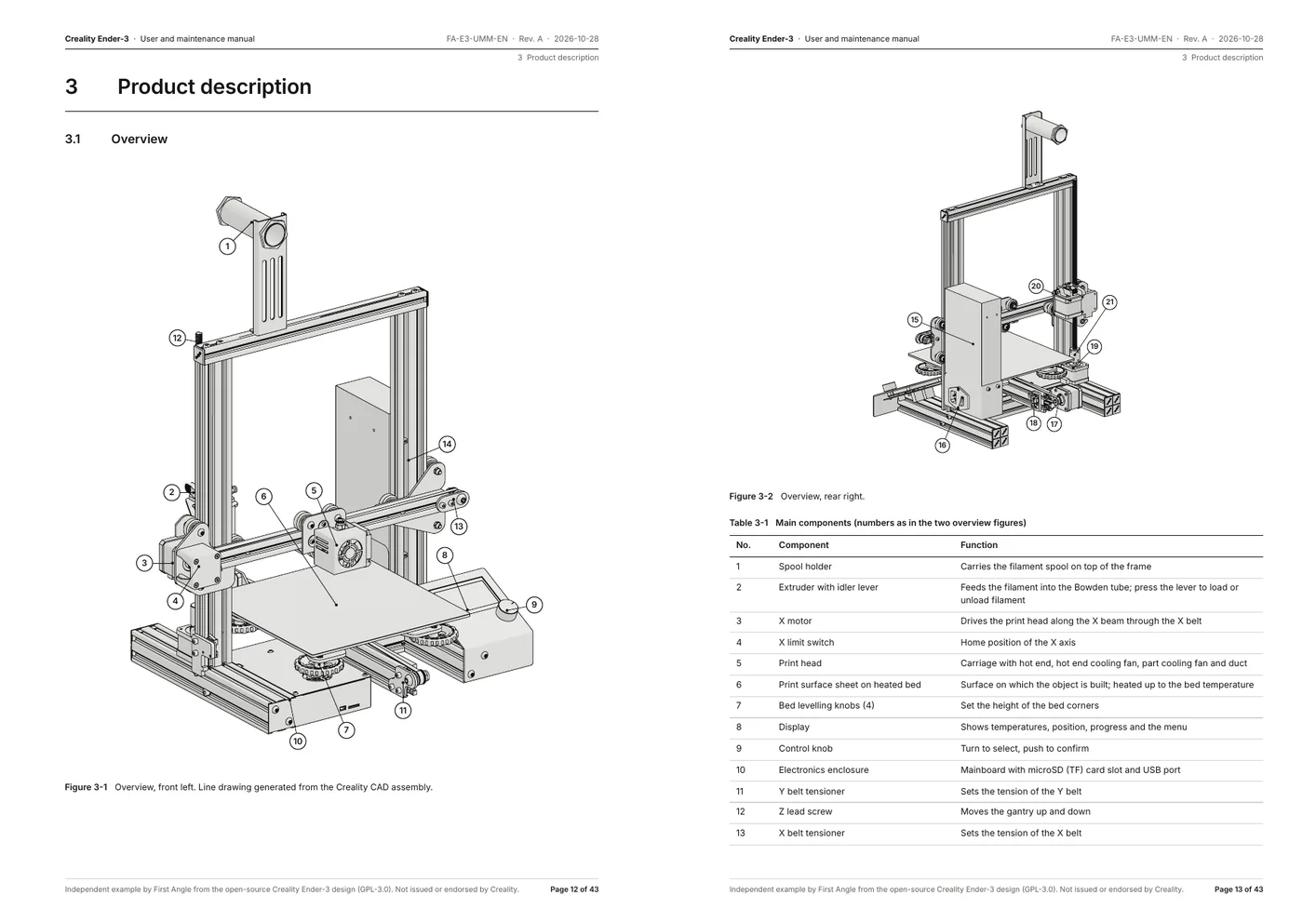
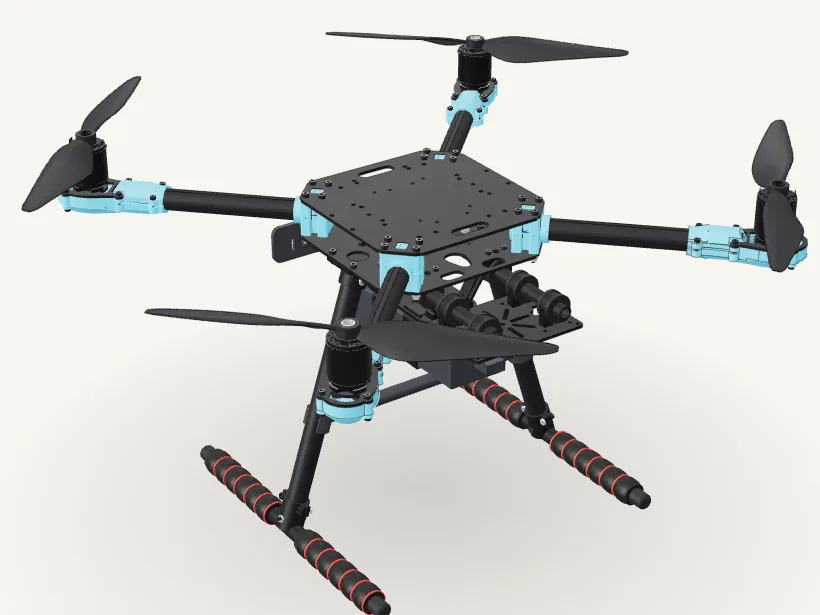
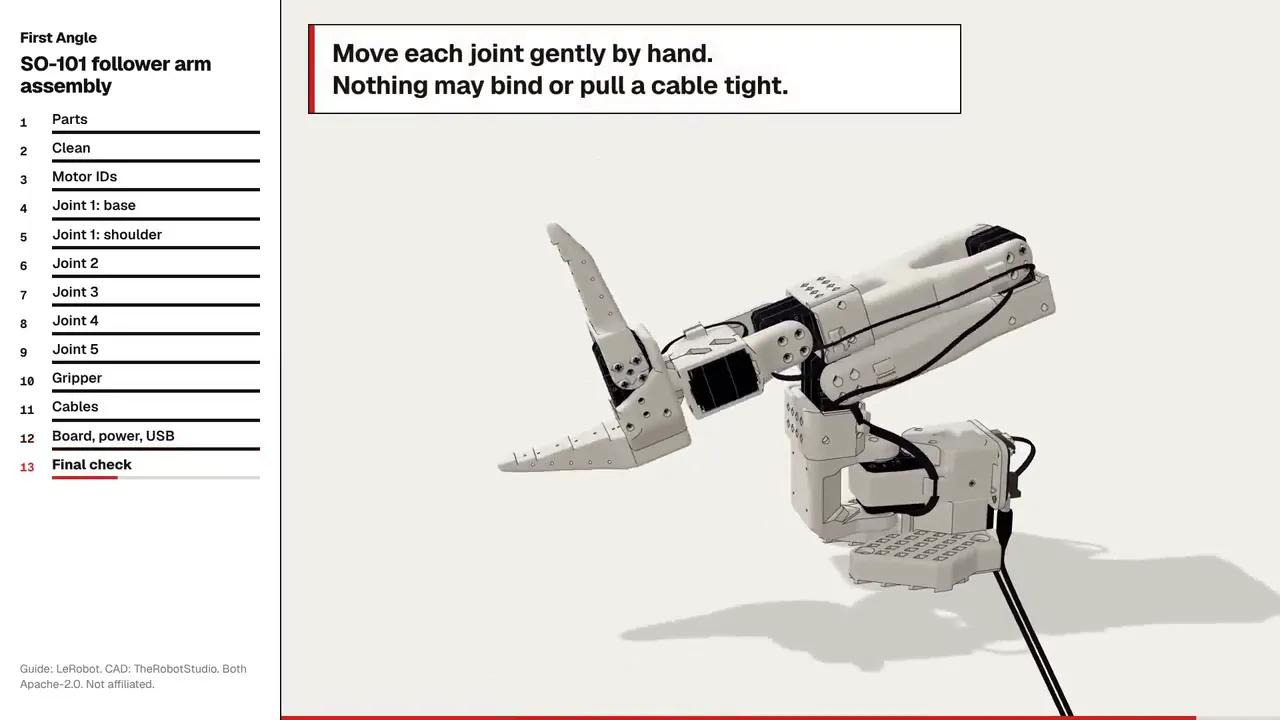
Every value traced.
Click any number. See the drawing, BOM line or datasheet it came from.
6.3 Replacing the drive coupling
- Fit a new spider (13) between the hubs (12).
- Tighten the bolts (14) crosswise to 45 Nm.
| Line | Part | Qty |
|---|---|---|
| 13 | Spider, 98 Shore A | 1 |
| 14 | Bolt M10 × 40, 8.8 | 4 |
| 15 | Gearbox housing | 1 |
Tightening torque45 NmTraced
Supplier datasheet, page 4SharePoint
Drawing SK400-GB-012 rev DSolidWorks PDM
BOM line 14, bolt M10 x 40Monitor ERP
412 of 412 values traced
Revision control.
Change one part. Every affected document updates automatically.
Motor M-12, rev C to D
SolidWorks PDM
- Power
4.0 kW5.5 kW- Weight
38 kg44 kg
- Operating manualC
- Maintenance manualC
- Spare parts listC
- Risk assessmentC
- DatasheetC
- Technical fileC
- Declaration of ConformityC
- Installation guideC
- Wiring diagramC
- Lubrication chartC
- Inspection checklistC
- Assembly instructionsC
- Quick start guideC
- Commissioning checklistC
- Test protocolC
- NameplateC
- Packing listC
- Lifting instructionsC
- 3D modelC
- Training videoC
20 documents affected20 updated automatically
Plugs into what you already use.
- SolidWorks PDM
- SharePoint
- ERP
- EPLAN
- Outlook
- Supplier portals
First Angle
- STEP
- DWG
- Excel
- Video
- SOLIDWORKS
- Autodesk Inventor
- Siemens NX
- CATIA
- PTC Creo
- SOLIDWORKS PDM
- Autodesk Vault
- Teamcenter
- Windchill
- SAP
- Microsoft Dynamics
- Odoo
- EPLAN
- SharePoint
- Google Drive
- Outlook
- and 140+ more
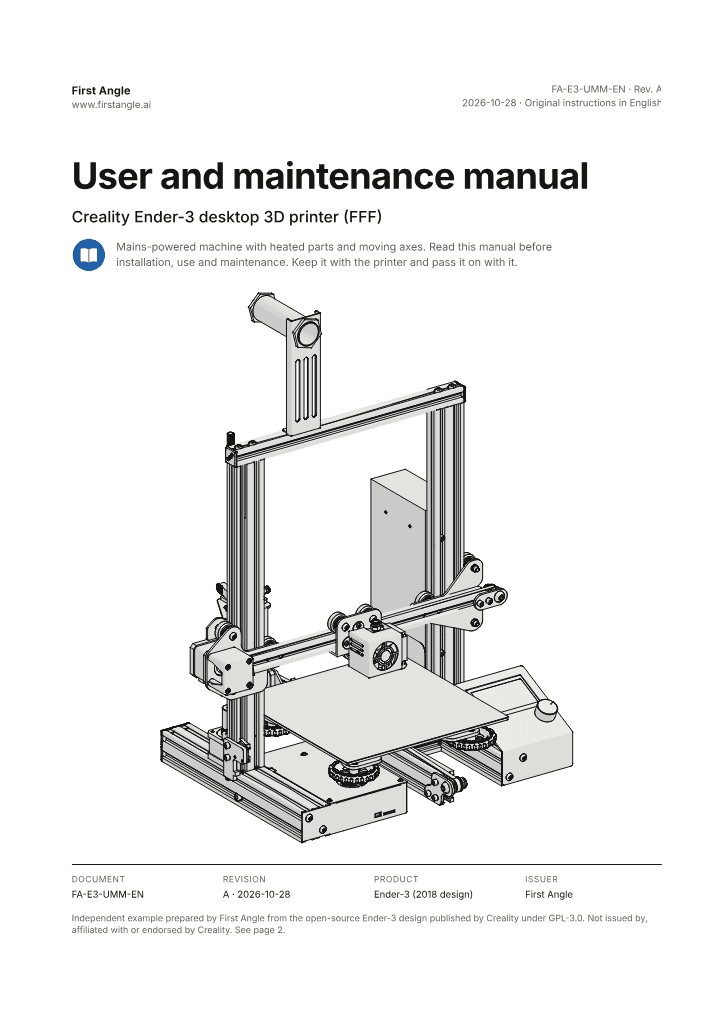
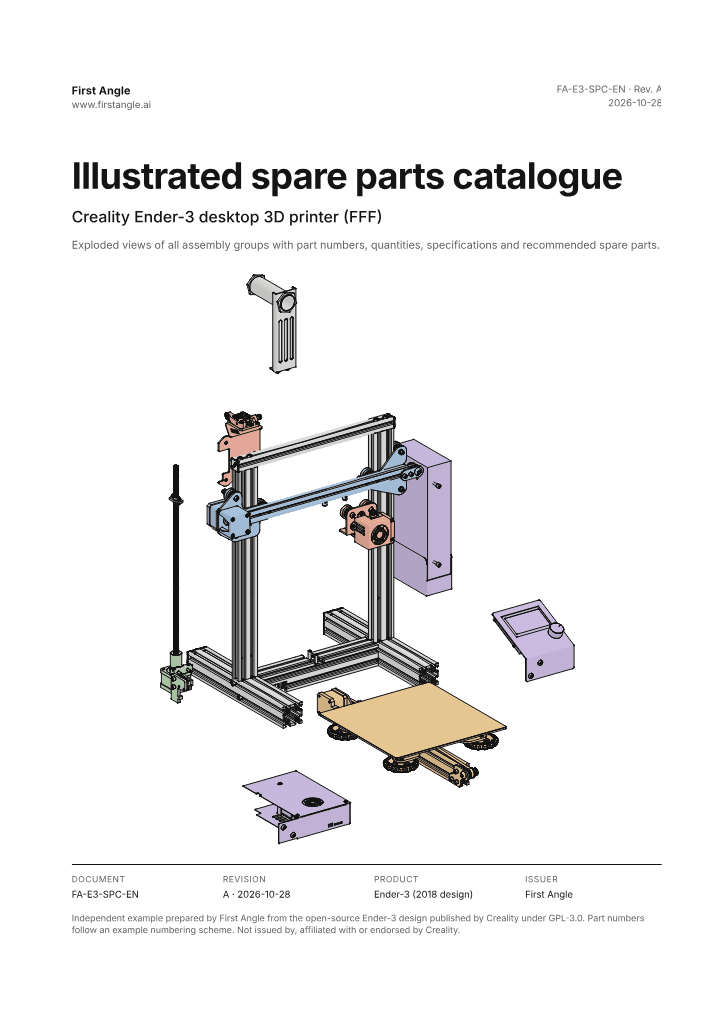
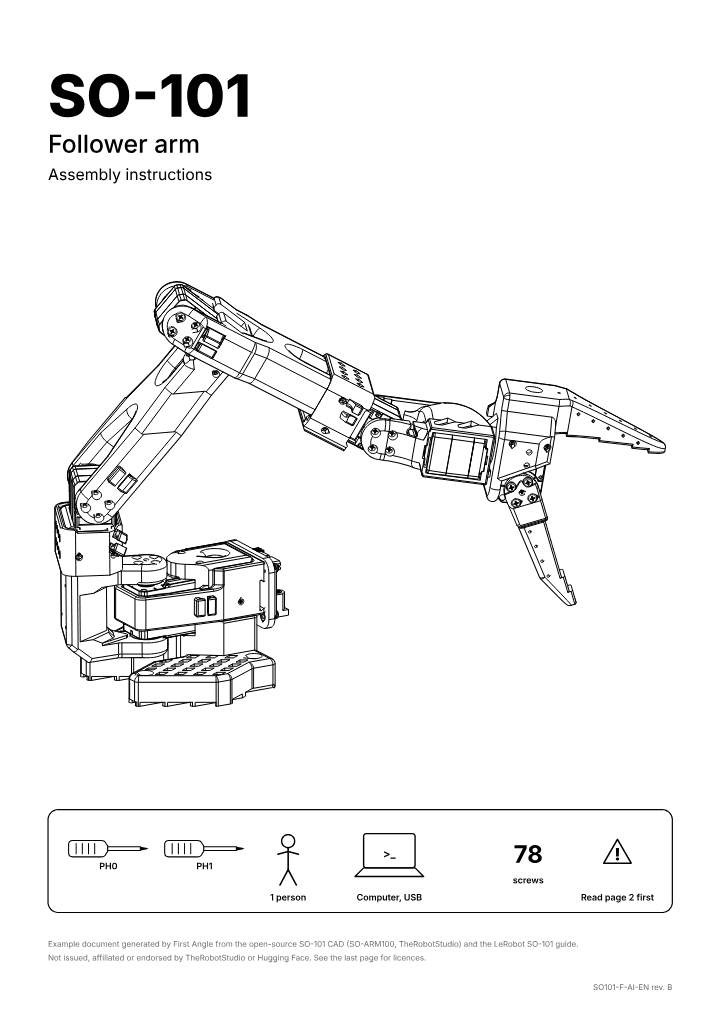
Any industry. As long as you build to order.
100 000+EU companies build products like this
- Custom solutions
- One-off projects
- Low-volume series
- Production lines
- Cranes and lifts
- Defence
- Ships and marine
- Energy equipment
- Special machinery
Compliance and security.
- No training on your data
- GDPR compliant
- Hosted in the EU or on your own server
- 260+ laws, regulations and standards, kept up to date